+971 50 634 3878 Sharjah, Dubai info@lifeguarddatarecovery.com

How do I Restore Files from Damaged USB Drives
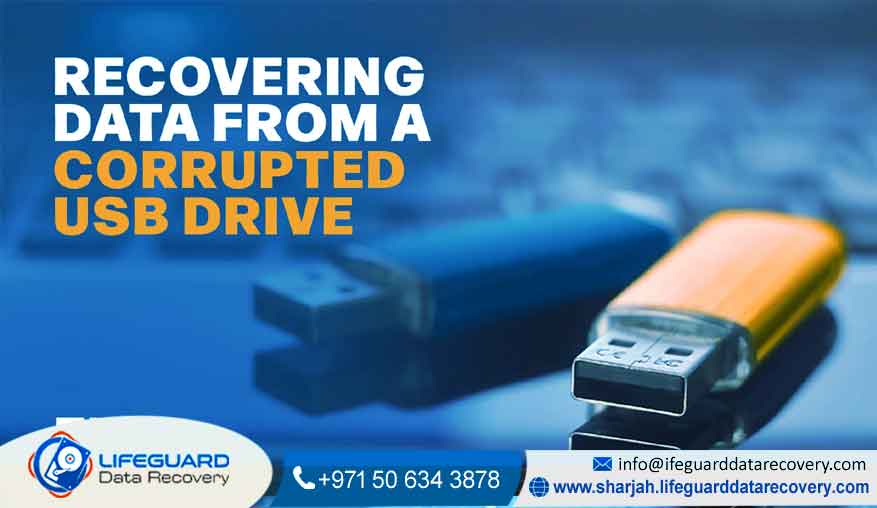
How Do I Restore Files from Damaged USB Drives Recover Lost Data from Broken or Corrupted USB Drives – Lifeguard Data Recovery UAE Is your USB drive acting up – not opening, showing strange errors, or just not showing up at all? Don’t stress. Most of the time, your files are still there they just need a little professional help to come back to life. At Lifeguard Data Recovery, we specialize in recovering lost data from USB drives, even the ones that look completely dead.professional USB recovery Sharjah
Whether it’s a corrupted flash drive, a physically damaged stick, or one that’s been through water or heat we’ve seen and fixed it all. Maybe you lost years of photos, an important project, or sensitive business files. Whatever it is, our expert data recovery engineers in Sharjah, Dubai, and Abu Dhabi can help you get them back quickly and safely.
We’ve earned our reputation as one of the most trusted data recovery companies in the UAE by offering:
We’re proud of our 98% recovery success rate and the trust clients place in us every day. Our team is available 24/7 for emergency recovery, so help is always there when you need it most. To make things easy, we offer free pickup and delivery anywhere in the UAE, and every recovery is handled through a 100% confidential and secure process. We also keep it fair with a simple No Data, No Charge promise-you only pay if your data is recovered. If you need urgent help, call us now and let our experts bring back what truly matters to you.
Why Choose Lifeguard Data Recovery for Damaged USB Drives
When your USB stops working, it’s normal to feel a bit of panic – especially if it holds something important. Many people try free tools or random tricks online, but that often makes things worse. Here’s why turning to Lifeguard Data Recovery UAE is your safest move.
1. Decades of Experience and Real Expertise
Our team has handled thousands of USB recovery cases – from tiny data errors to severe physical damage. We know how flash drives work inside and out, which helps us recover data most others can’t.
2. Advanced Tools and Cleanroom Facilities
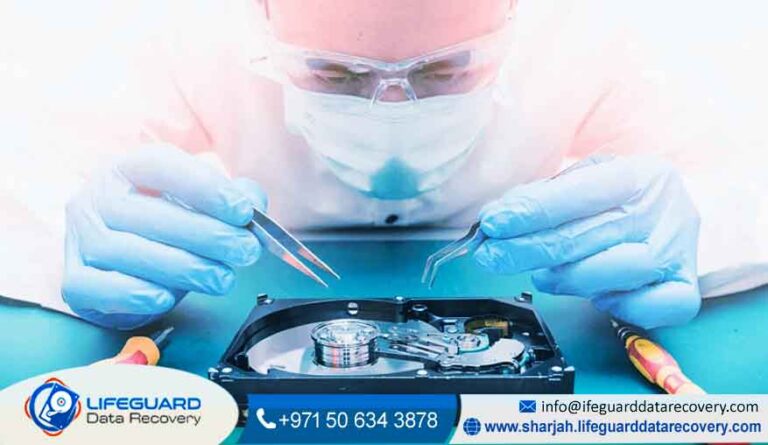
We use specialized diagnostic and recovery systems that don’t harm your device. For physically damaged drives, our Class 100 cleanroom ensures the recovery happens in a perfectly dust-free environment.
3. Local Presence All Over the UAE
You don’t have to ship your USB across the world. With service points in Sharjah, Dubai, Abu Dhabi, and Ajman, getting help is quick and easy.
4. Clear Process and Honest Advice
We’ll check your USB, tell you exactly what went wrong, and explain what can be done — before you spend a single dirham. If we can’t recover your data, you don’t pay.
5. 100% Safe and Private
Your files are yours alone. We never view, copy, or share them. Everything stays encrypted and confidential throughout the process.
Our USB Data Recovery Services
We handle all kinds of USB problems, from small issues that seem harmless to devices that look completely dead. Whether your USB is acting strange or not responding at all, our team knows how to deal with it safely. We recover data from corrupted or unreadable flash drives, formatted or accidentally deleted USBs, and even physically broken or bent sticks. Water damage, heat exposure, viruses, and malware are also common problems we fix. If your USB shows messages like “Please insert disk” or isn’t being recognized at all, we’ve seen that many times before. We also work on burnt or short-circuited drives that won’t power on anymore.
We recover data from all major USB brands, including SanDisk, Kingston, Toshiba, Transcend, Lexar, Samsung, PNY, and many others. So if you’re asking yourself, “Can I recover data from a damaged USB?” the answer is yes—and we know exactly how to do it.
How Our Recovery Process Works
Recovering files from a damaged USB isn’t as simple as plugging it into software. It’s a step-by-step process that requires skill and the right tools.
Here’s how we do it:
Step 1: Evaluation
We start by checking your USB to find out whether it’s a software problem (like corruption or deletion) or a hardware fault (like broken connectors or chip damage). You’ll get a full report before anything starts.
Step 2: Recovery Plan
Once we understand the issue, we share the best recovery plan with you and start the process after your approval.
Step 3: Data Extraction
For corrupted drives, we use powerful scan tools to rebuild lost data. For broken ones, our engineers carefully remove the memory chip and extract files directly using advanced hardware tools.
Step 4: Verification
We test all recovered files to make sure everything opens properly and nothing is missing.
Step 5: Delivery
Your files are safely transferred to a new USB, external drive, or shared securely online — whatever works best for you.
Fast, safe, and completely secure – that’s how we do it.
Common USB Problems We Fix
If your USB isn’t opening or showing up, here’s what could be wrong — and how we can help fix it.
File System Corruption
Unplugging your USB suddenly or during file transfers can damage its file system. We rebuild the structure and restore access without formatting the drive.
Physical Damage
If your USB is bent, cracked, or broken, we perform chip-off recovery — reading data directly from the memory chip inside.
Logical Errors or Deletion
Maybe you formatted the USB by mistake or lost files during transfer. We use safe recovery tools to restore your lost folders and documents.
Firmware or Controller Problems
Sometimes, the chip that controls your USB gets corrupted. We repair or reprogram it so we can extract your files safely.
Power or Electrical Damage
A sudden power surge can burn circuits. We temporarily repair the board to clone your data before it’s gone for good.
USB Not Recognized
If your system says “USB not detected” or “Please insert disk,” don’t format it. Bring it to us instead — we can usually recover everything even if your PC can’t see it.
Can I Fix a Corrupted USB Without Formatting?
Sometimes yes – but it depends on the problem. If your USB just has small logical errors, you might be able to recover data using simple tools. But if there’s hardware or chip damage, using random recovery software could make it worse.
If you see a message like “You need to format the disk before you can use it,” stop immediately. Formatting erases crucial data structures. Instead, bring it to our recovery lab. Our experts in Sharjah and Dubai can safely recover your data without any risk of overwriting.
Helpful Tips to Prevent USB Data Loss
A few simple habits can really help you avoid data loss in the future. Always eject your USB properly before pulling it out, even if you’re in a hurry. Try not to use your drive on unknown or public computers, because you never know what’s running on them. Keeping a backup of important files in the cloud or on another drive is a smart move too. Protect your USB from water, heat, and rough handling, since physical damage happens more easily than people think. And remember, USB drives don’t last forever, so replacing older ones every few years can save you trouble later on. Simple steps, but honestly, they work.
Why We’re the USB Data Recovery Company in the UAE
At Lifeguard Data Recovery, we’ve built our reputation on trust, advanced technology, and results that actually matter. We don’t just repair USB drives or storage devices—we help people get their work, memories, and daily life back on track. With over 15 years of hands-on data recovery experience, our team specializes in USB, SSD, HDD, and RAID recovery, handling each case with care and precision. Many recoveries are completed within 24 to 48 hours, thanks to our modern tools and secure cleanroom facilities. We keep everything transparent, starting with a free initial evaluation, and offer 24/7 support with pickup services available anywhere in the UAE. We’re not just another recovery center-we’re your trusted data rescue team.
Frequently Asked Questions
1. Why is my USB drive not opening?
It could be corruption, a bad driver, or physical damage. Avoid reformatting it and let our team check it safely.
2. Can I recover data from a physically broken USB?
Yes, we can! Our engineers use chip-off techniques to extract data directly from the memory chip.
3. What’s the best way to recover data from a corrupted flash drive?
Professional recovery is always safest. DIY tools can help for small issues, but for valuable data, experts are the way to go.
4. What causes USB drives to fail?
Common reasons include improper ejection, malware, static electricity, and physical wear.
5. Are there free USB recovery tools?
Yes, but they’re risky if your drive has any hardware damage. It’s better to get a proper evaluation first.
6. How long does recovery take?
Most cases are finished within 24–48 hours. Complex physical recoveries might take a few days.
7. Will my data stay private?
Yes – we maintain complete confidentiality at all times.
Contact Lifeguard Data Recovery UAE
If your USB isn’t working, don’t give up just yet. Whether it’s corrupted, damaged, or completely dead, Lifeguard Data Recovery can bring your data back to life.

Contact us : +971 50 634 3878